📋 In This Article

We Are Now an Official Meta Business Partner
This week, Quali-D was officially elevated from a WhatsApp Tech Provider to a fully certified Meta Business Partner — the highest tier of recognition Meta awards to solution providers globally.
What Does "Meta Business Partner" Actually Mean for You?
The Meta Business Partner badge isn't just a logo. It represents a rigorous vetting process where Meta independently verifies a company's API compliance, data security practices, technical infrastructure, and real-world client success. Here is what it means if you're a Quali-D client:
Verified & Trusted
Your business connects through a provider that Meta has independently audited for security, reliability, and compliance.
Priority Access
Partner-tier support and early access to new WhatsApp API capabilities before they're broadly released.
Proven at Scale
Partnership status is only maintained through proven, ongoing client success — not just a one-time application.
Regional Authority
Among only a handful of certified Meta Business Partners serving Egypt, UAE, and Saudi Arabia.
Introducing QUALI-D Flows: The Ultimate WhatsApp Automation Engine
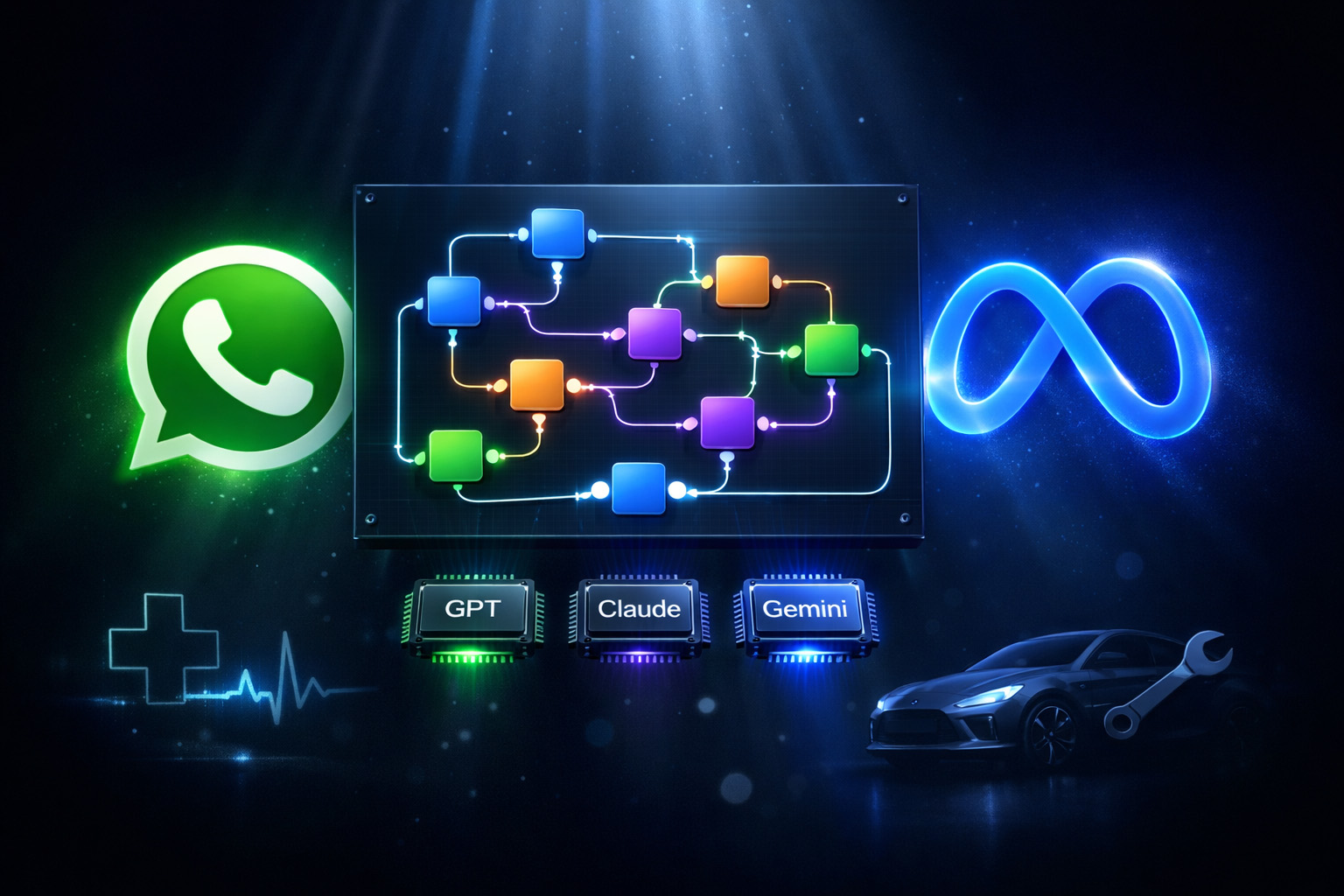
QUALI-D Flows is a visual, drag-and-drop automation builder that runs on top of the WhatsApp Business API. Instead of scripting rigid chatbot trees, you connect intelligent nodes on a canvas — each node performing a specific action, check, or integration. The result is a fully automated, AI-powered customer journey that feels human.
🧠 Multi-Model AI — Including Vision for All
Deploy the world's most advanced AI directly in your WhatsApp conversation. Every model also supports Vision — meaning your bot can read and interpret images or PDFs sent by users.
Every Node — A Complete Breakdown
Here is a full catalogue of what you can do inside a single QUALI-D Flow canvas:
📨 Send & Receive
Handle every WhatsApp message format:
- Send: Text, Image, Video, Document
- Receive & extract: Text, Button replies, List selections, Locations
⚙️ Logic & Flow Control
- Conditional — branch by user input or variable value
- Calculator — perform math on variables
- Delay — pause before the next message
- Get Current Date / Time
- Check 24-Hour Window — ensure free-form messaging is allowed
⚡ Actions
- Send WhatsApp Template — trigger approved message templates
- API Call ⭐ — connect any external system or database
- Restart Flow — loop the user back to start
- Override Session Timeout — keep conversations alive
- Set Variables — store custom data for use later in the flow
📊 Google Integrations
- Read Rows — pull data from any sheet column
- Append Row — log new entries (leads, bookings, etc.)
- Update Row — modify existing records in real-time
- Upload File to Drive — store docs/images from users
- Create Folder in Drive
- Create Doc — generate new Google Docs automatically
- Append to Doc — add content to existing documents
👥 Team & CRM
- Assign to Department — hand off to the right human agent
- Get Departments — dynamically list available teams
- Notify Team Member — ping agents with an internal alert
- Create Todo — internal task creation from a conversation
- Add Customer Note
- Update Customer Category
- Update Customer — sync CRM profile data
📅 Appointments
- Check Available Dates
- Check Available Slots
- Book Appointment
- Cancel Appointment
- Get My Appointments
- Submit Rating Message — auto-request post-visit feedback
🎯 Leads
- Save Lead — capture new prospects directly from chat
- Check Lead Complete — verify all required fields are collected
- Get Lead Data — retrieve existing lead information
🗺️ Store Locator
User shares their WhatsApp Location → the node automatically finds and sends the nearest service point, branch, or store.
🛠️ Get My Services
Dynamically pull and display your configured service catalogue directly in the WhatsApp conversation.
🎬 The ADVERTISER Node — Kill Ad Fatigue Automatically
Connect up to 8 pieces of content (images, videos, documents, or text messages) to a single ADVERTISER node. Every time a user enters the flow, they can receive a different piece of content — either randomly or sequentially — without any manual changes to the flow.
Result: your WhatsApp broadcast always feels fresh, cross-sell opportunities are automated, and you never run the same ad twice in a row.
Why Node-Based Automation Wins: The Comparison
Most businesses still manage WhatsApp through rigid keyword-response chatbot builders. Here's exactly what they're missing compared to QUALI-D Flows:
| Feature / Capability | QUALI-D Flows (Node-Based) | Traditional Chatbot Builders |
|---|---|---|
| Visual Canvas Builder | ✅ Drag-and-drop nodes, full visual map | ❌ Linear question-answer trees |
| AI Integration | ✅ ChatGPT, Claude, Gemini + Vision for all | ⚠️ Usually one model, no vision support |
| Google Workspace | ✅ Native Sheets, Drive, Docs nodes | ❌ Requires Zapier / Make middleware |
| API Call Node | ✅ Built-in, connect any REST API | ⚠️ Advanced plan only, limited formats |
| Appointment Booking | ✅ Full lifecycle: check, book, cancel, rate | ❌ External tool required |
| Dynamic Advertising | ✅ ADVERTISER node (up to 8 assets, random/sequential) | ❌ Not available |
| CRM & Lead Management | ✅ Native nodes for notes, categories, leads | ⚠️ Basic tagging only |
| Store Locator via Location | ✅ User shares pin → nearest branch returned | ❌ Not available |
| Multi-Department Agent Handoff | ✅ Assign to any department dynamically | ⚠️ Single inbox handoff only |
| 24-Hour Window Compliance | ✅ Dedicated compliance check node | ❌ Manual management required |
| Meta Business Partner | ✅ Official — ID WA-BSP-06617 | ❌ Most are Tech Providers only |
🏥 Industry Deep-Dive: Healthcare, Labs & Scanning Centers
Medical centers, diagnostic labs, and scanning facilities across Egypt and the UAE are among the fastest-growing adopters of QUALI-D Flows. Here's why — and exactly how a complete patient journey is automated end-to-end on WhatsApp.
Full Patient Journey: Booking a Scan via WhatsApp
From prescription submission to results notification — zero phone calls required.
- Patient sends their prescription image directly to the clinic's WhatsApp number. The Vision AI node (Gemini or GPT-4o) reads the image and automatically extracts the test names, doctor's signature, and patient details.
- A Conditional node validates the extracted data — if a required field is missing, the bot asks the patient to re-upload a clearer photo. No human agent needed at this stage.
- The Check Available Dates and Check Available Slots nodes query the clinic's live schedule and present the next 3 available appointment slots as a WhatsApp list message.
- Patient selects their preferred time. The Book Appointment node confirms and records the booking, while the Append Row node logs the full record to a Google Sheet for the operations team.
- On the day of the appointment, a Send WhatsApp Template node fires a reminder with the patient's name, time, and required preparation instructions.
- Once results are ready, the lab team triggers an API Call from their internal LIMS — this automatically sends the patient a WhatsApp message with a download link to their secure PDF report, stored via Upload File to Drive.
- 24 hours later, the Submit Rating Message node sends a feedback request. The score is appended to the patient's record in Google Sheets via Update Row, and the category is updated in the CRM via Update Customer Category.
Key Nodes Used in Healthcare Flows
🚗 Industry Deep-Dive: Automotive & Auto-Service Centers
Car dealerships, service centers, and fleet operators are discovering that WhatsApp is the most effective channel they've never fully automated. QUALI-D Flows turns it into a complete retention and booking engine.
Full Service Journey: From Location Share to Booked Service Slot
How a car owner goes from sending a WhatsApp message to confirmed service booking in under 3 minutes.
- Owner messages the brand's WhatsApp number. The Get My Services node displays an interactive list of service types (oil change, periodic maintenance, brake service, etc.).
- Owner selects a service. A Store Locator node asks them to share their current WhatsApp location. The logic instantly identifies and replies with the nearest authorized service center, complete with address and working hours.
- The Check Available Dates and Check Available Slots nodes show real-time availability at that specific branch. Owner selects a slot and the Book Appointment node confirms immediately.
- The service advisor is notified via Notify Team Member. The CRM record is updated via Update Customer, and the customer is tagged with their upcoming service type via Update Customer Category (e.g., "Booked: 10K Service").
- A day before the appointment, the ADVERTISER node (set to sequential) sends the customer one of several pre-loaded promotional messages — a service package offer, a tire discount, or an accessory cross-sell — rotating through them so each customer sees something different on each visit cycle.
- Post-service, the Submit Rating Message node fires automatically. A low score triggers a Conditional node that creates an internal Todo for the service manager and assigns the chat to the complaints department via Assign to Department.
Key Nodes Used in Automotive Flows
Ready to Build Your First Flow?
Start with a free trial — no credit card, no setup fees. Our team builds your first automation flow with you.
Frequently Asked Questions
Everything you need to know about QUALI-D Flows, our Meta Business Partner status, and how automation works for your industry.
Automate Your Business on WhatsApp — With a Certified Partner
Whether you're a hospital, a car dealership, or a growing e-commerce brand — QUALI-D Flows has a node for every step of your customer journey. Start free, launch fast.